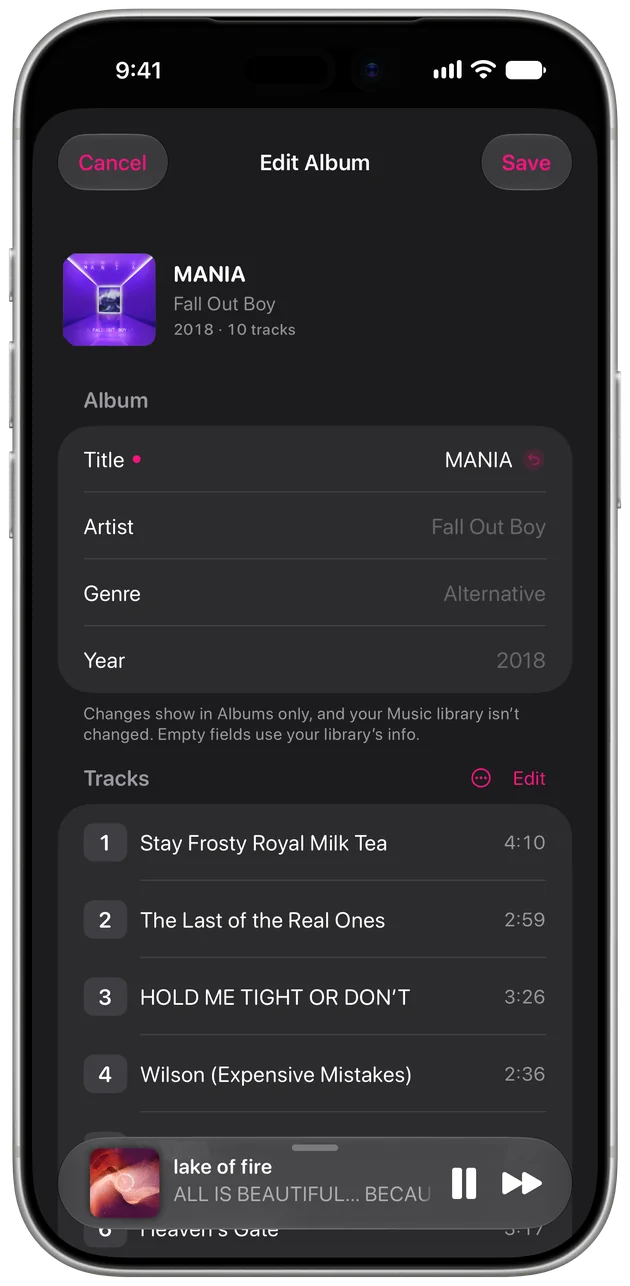
Edit album info
Every detail,
Every detail,
just right.
Fix titles, artists, genres, years, and track numbers, and move tracks between albums.
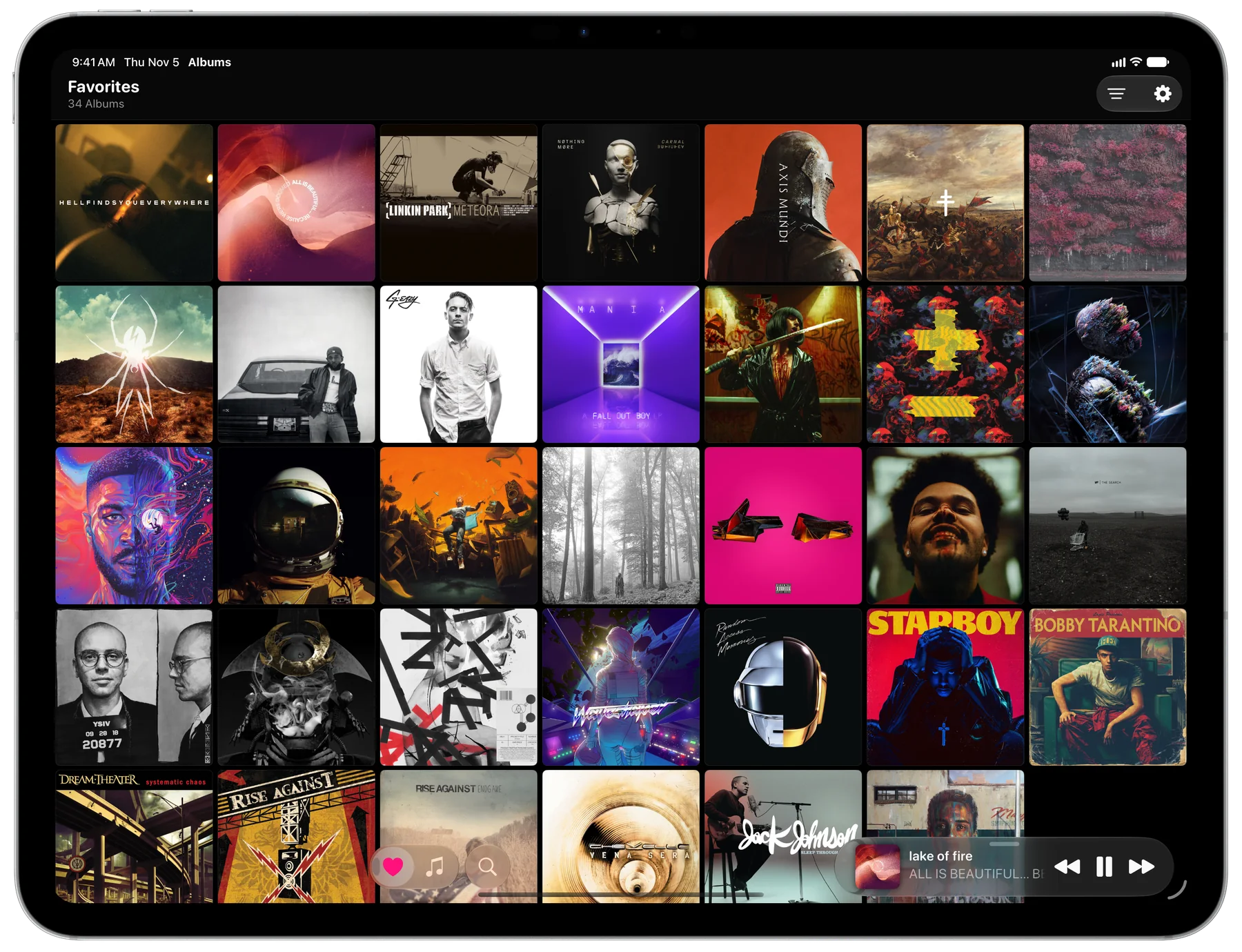
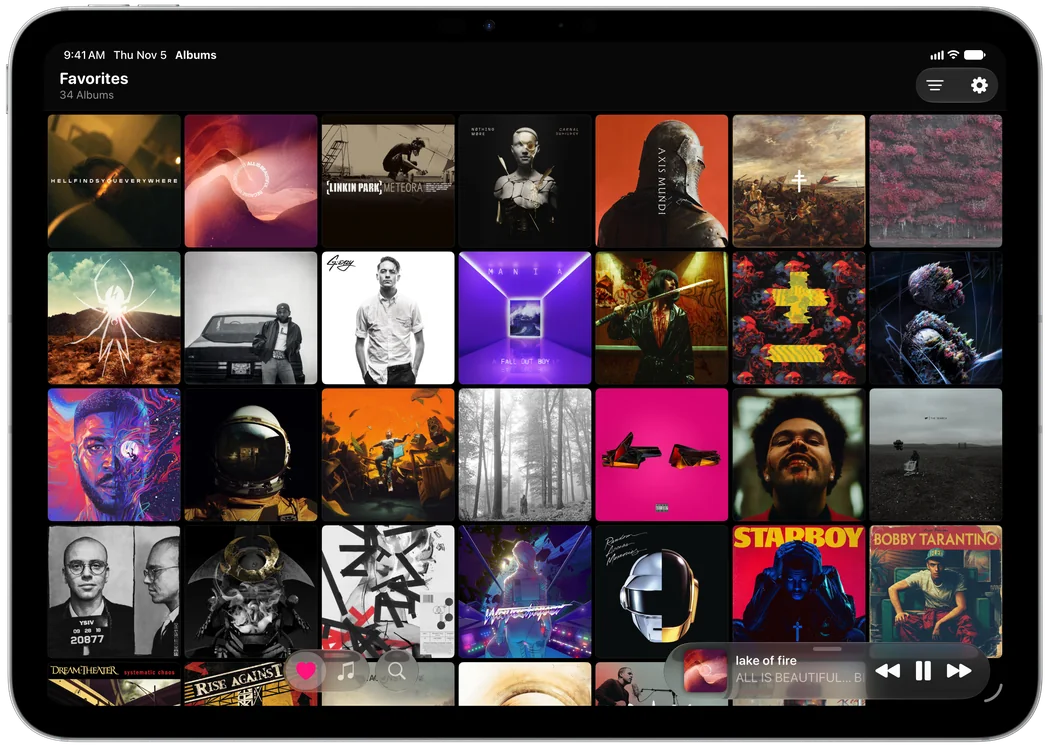
Dig through your music like a crate of records. Tap an album to see every track. Double-tap to put it on.
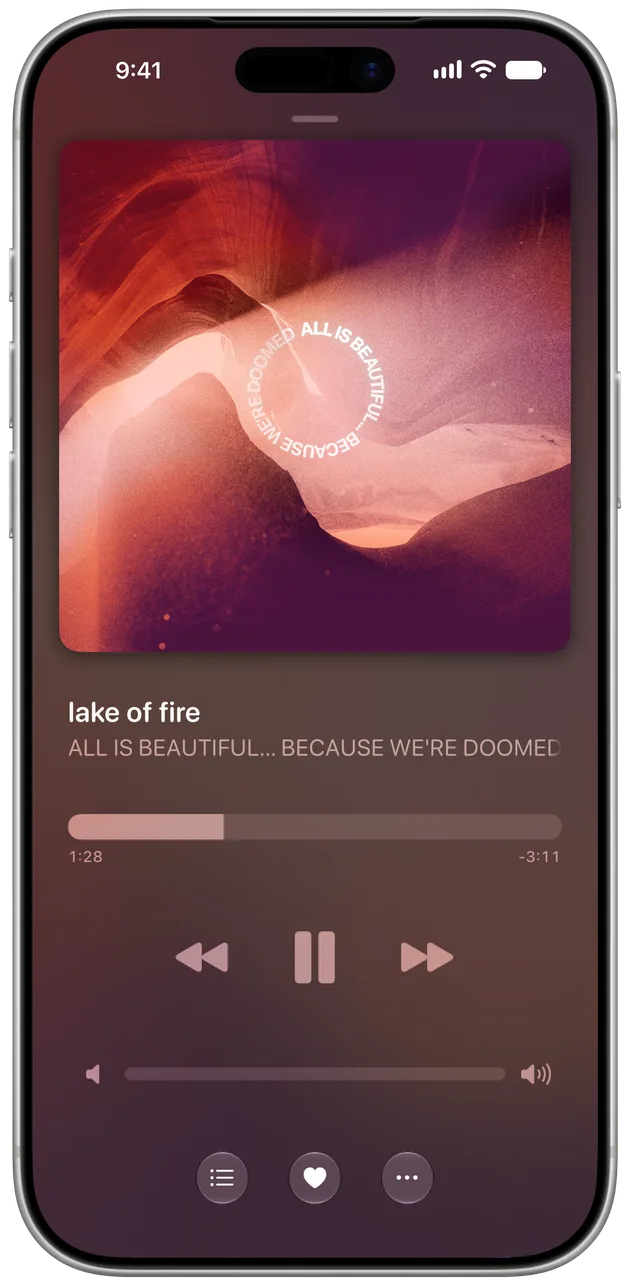
Remember choosing an album, pressing play, and letting it run start to finish?
Albums brings that feeling back to your Apple Music library. Your whole collection shows up as cover art, like flipping through a crate of records. No playlists, no algorithm, no clutter. Just you, the artwork, and the record the way the artist intended.
Start to finish, the way the artist intended.
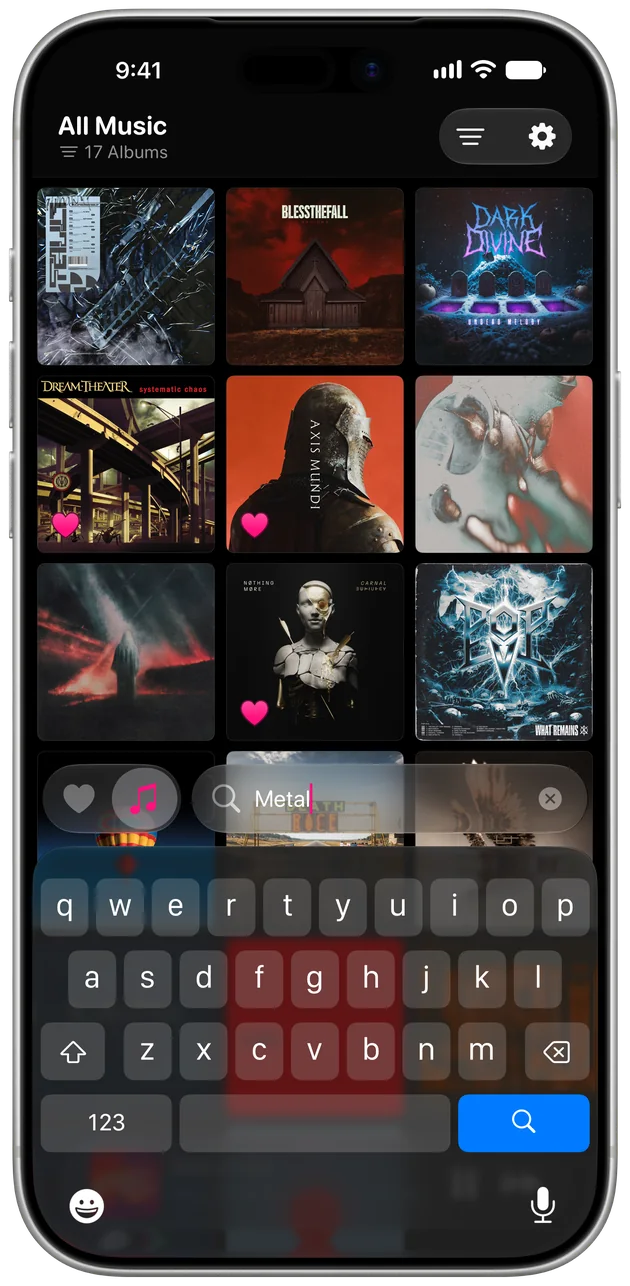
Find that one record by title, artist, genre, or year.
Big covers, or more at once.
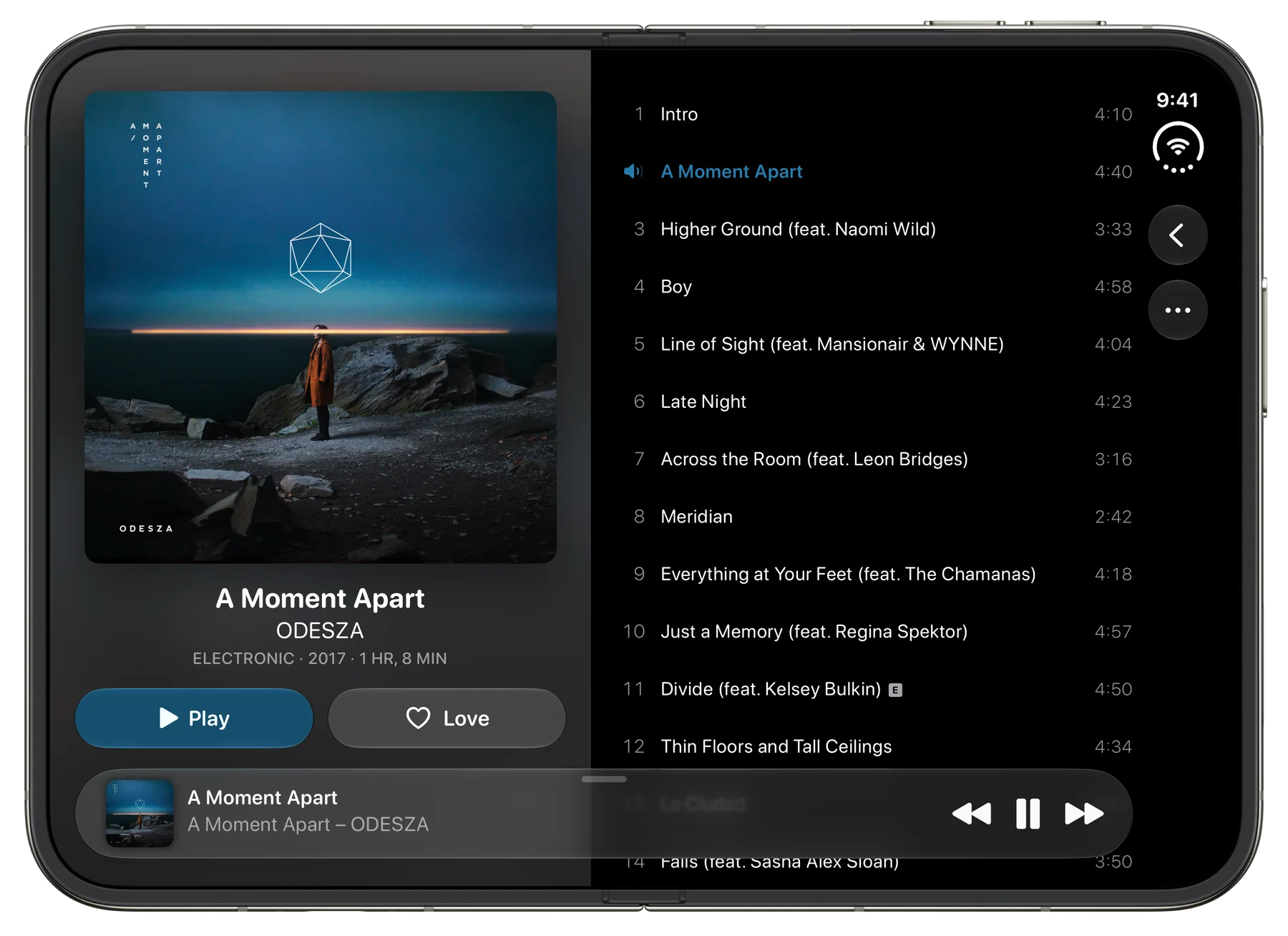
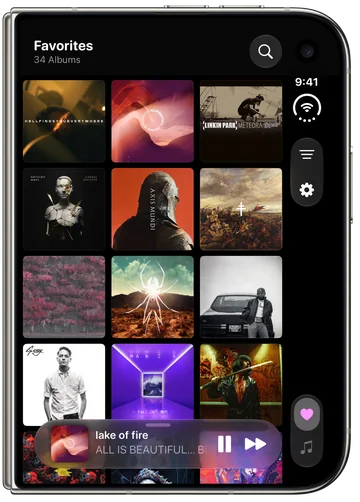
Albums feels right at home on iPhone Duo, with larger album art and support for every pose.
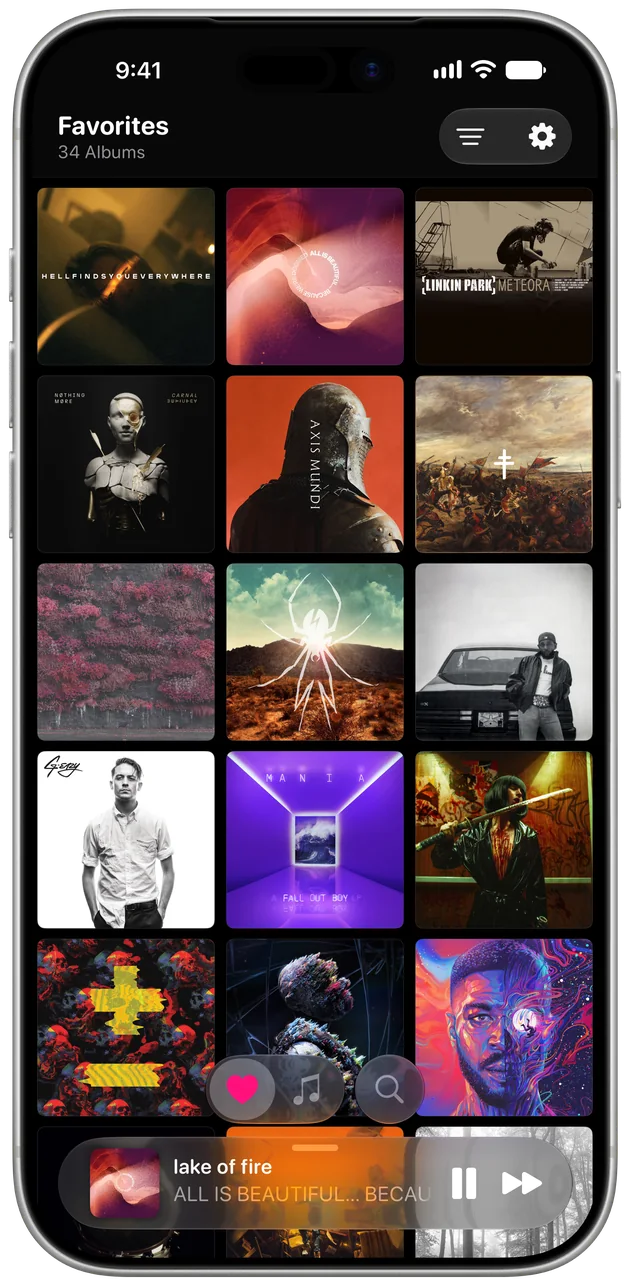
Pin the albums you're into right now and they're one tap away. When you've overplayed one, put it back on the shelf and make room for the next.
↓ Pick something to put on.
Favorites sync through iCloud, so the album you heart on iPhone is waiting on iPad. Free includes 6, swapped out as often as you like, and ✦ Deluxe Edition makes them unlimited.
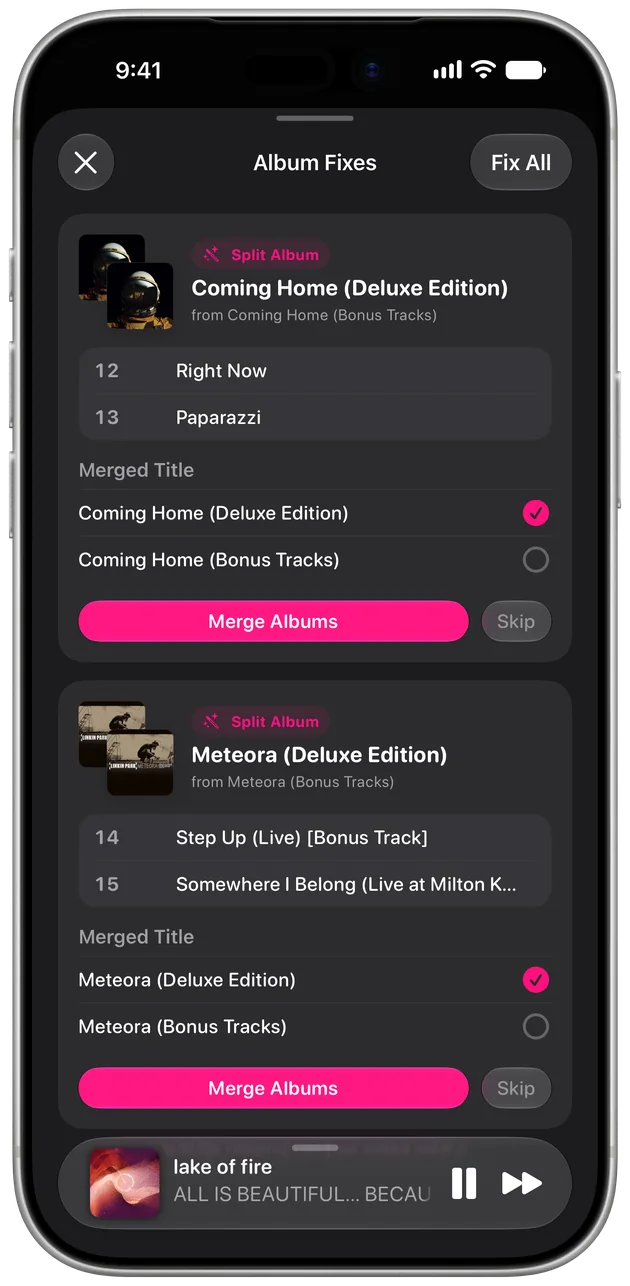
For the people who care about every liner note.
Fix titles, artists, genres, years, and track numbers, and move tracks between albums.
Finds records your library split in two, like stray bonus tracks, and brings them home in a tap, or all at once with Fix All.
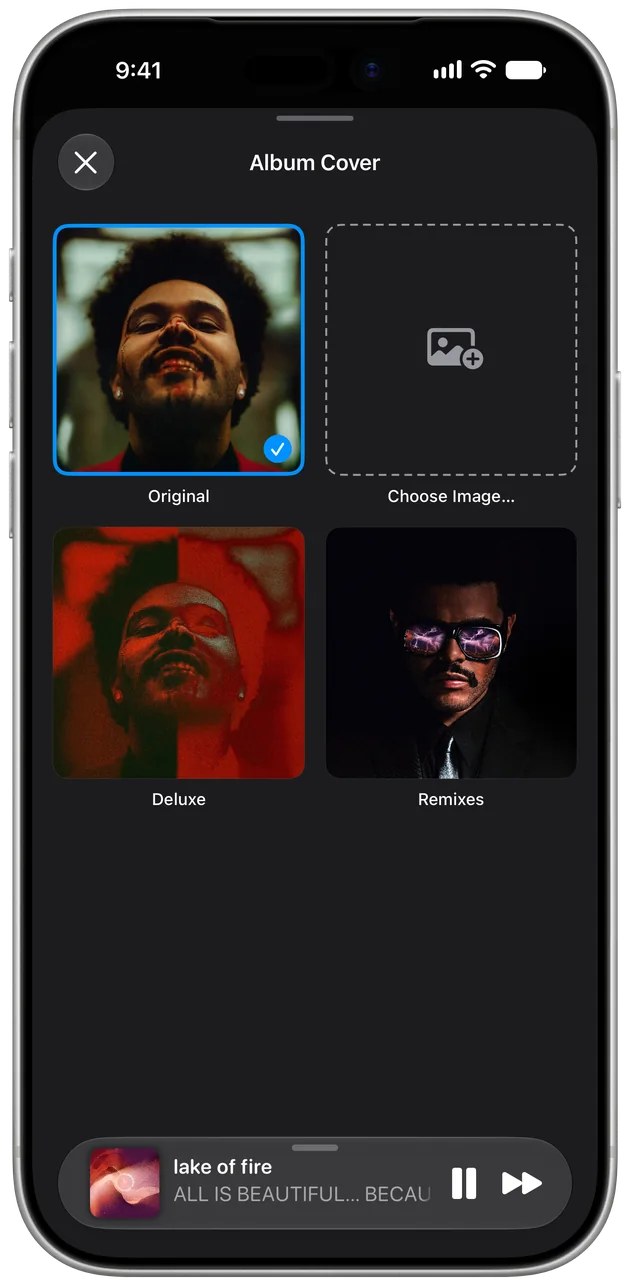
Another edition’s cover from Apple Music, or your own image.
Free includes 6, swapped out as often as you like.
Your edits and covers follow you to every device.
Edits stay in Albums, so your Apple Music library is never changed.
“No one's nailed the elegance of the original until now. Every detail and interaction is polished, natural and intentional.”El Dizzle
“It's like leaving a few of my current favorites out by the record player, so I can put one on on a whim.”canyonsus
“It matches the way I listen to music perfectly.”dpassen1
“The first 3rd party app I've ever added to my dock.”The Agoura Imprint
Free on iPhone, iPad, and iPhone Duo.

👋 Hi, I’m Joe, the developer behind Albums.
Music has always been a big part of my life. I grew up playing classical music on the piano and violin, where the composer tells a story from start to finish. Later, I fell in love with the seamless transitions Linkin Park built into Meteora, stringing every track together into one nonstop piece.
Both of those shaped the way I listen. I like hitting play on an album and following the story the artist is trying to tell, with all its ebbs and flows, okay with the fact that not every track is designed to be a hit.
Over the years, as the big music apps drifted away from albums toward playlists and singles, I wanted a place where albums came first. So I built Albums in my spare time, for anyone who’d rather listen the same way.
Thanks for checking it out. I hope it brings you as much joy as I’ve had building it over the years.
 Read how Albums started